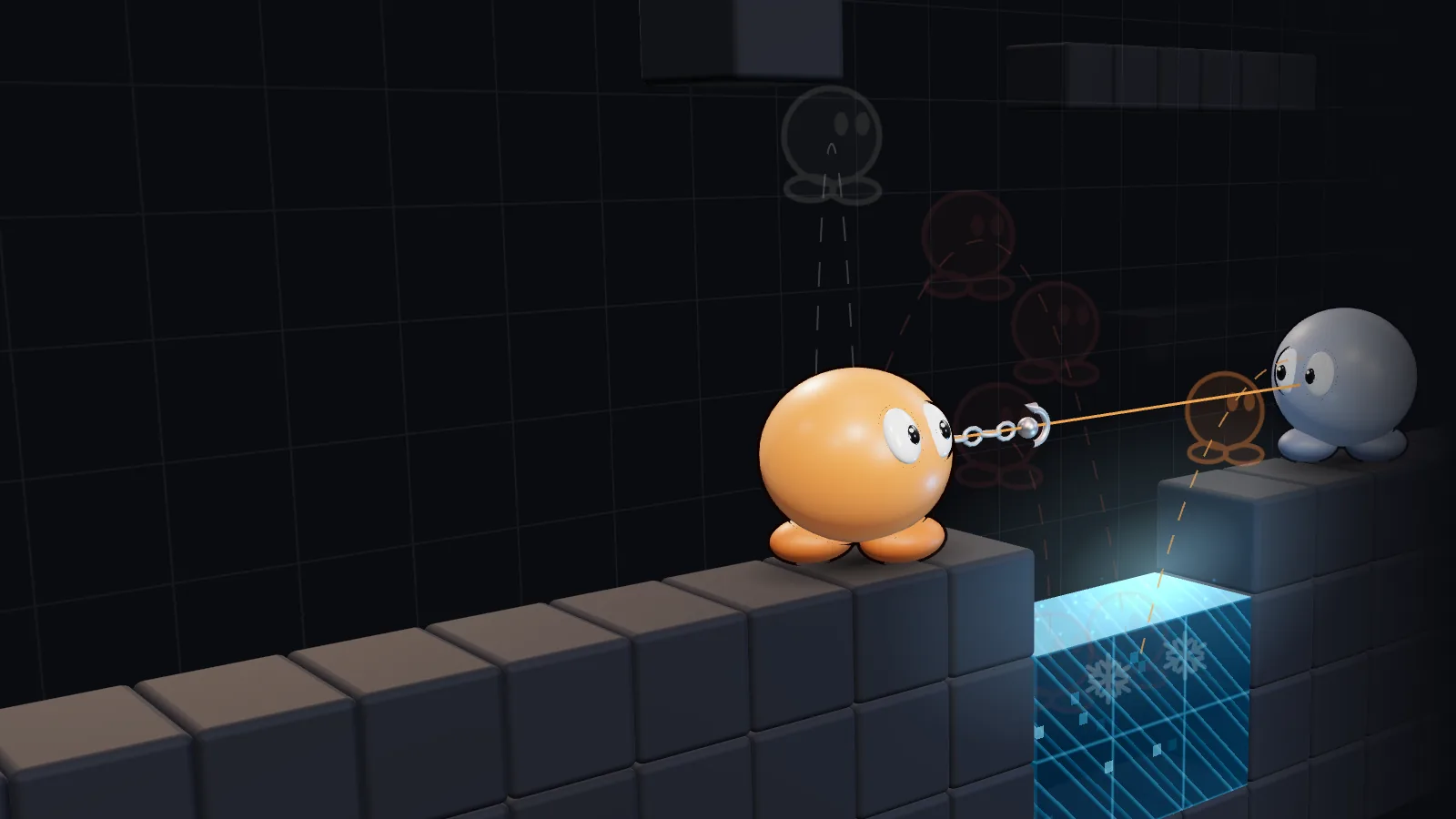
A 3D scene: a DDNet tee on a platform next to a freeze pit, surrounded by candidate moves: run, jump, hook. The ones that end in freeze are rejected; the hook at the opponent is chosen.
Autonomous block bot for DDNet
Every decision simulated in game physics first
25 times a second it simulates about 45 candidate plans half a second ahead: running, jumping, hook and hammer. It plays the one that scores best: the opponent nearer freeze, itself further from it.
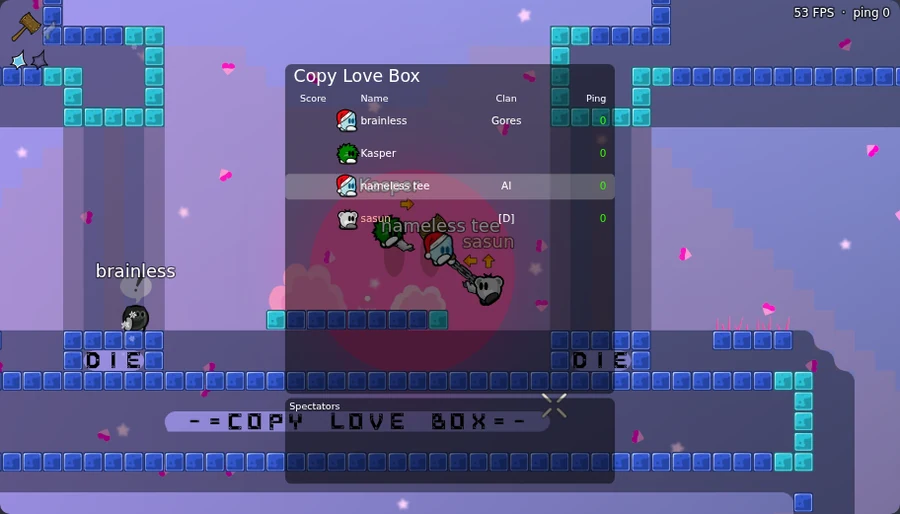
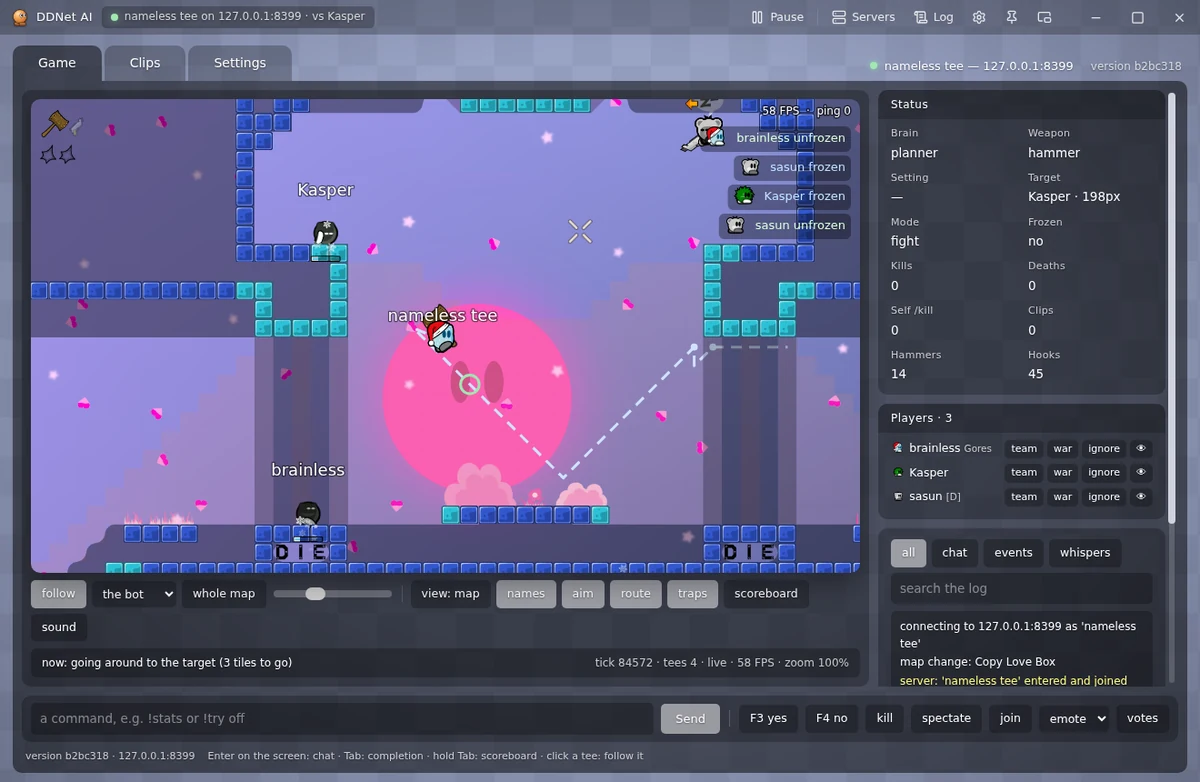
Map: Copy Love Box. The bot is nameless tee; the other two are test opponents.
No sound
One decision every 40 ms
Five steps in DDNet 20 physics, ported from the game's source.
invalidinto freezeviablechosen25 decisions per second
01
Observe
Positions, velocities and hooks of every nearby tee, the freeze tiles and the walls a hook can grab. The world is first rolled forward by the bot's own ping.
02
Simulate
Each plan is simulated 27 ticks ahead, 0.54 s: where to run, when to jump, where to throw the hook, when to swing the hammer.
03
Evaluate
Each plan gets a score: points when the opponent ends up near or in freeze, a penalty when the bot does. Its own freeze weighs one and a half times the opponent's.
04
Execute
The first step of the best plan goes to the server as ordinary client input. Before it is sent, the bot checks that it can still stop or jump clear afterwards.
05
Repeat
Two server ticks later it starts over, with the previous plan as a starting point.
What it does and how to control it
By default it fights anyone nearby except your team, ignored players and anyone who has stood still for over 10 seconds.
Combat
Throws the hook from range and holds the grab
Drags the opponent to the freeze and throws frozen players into it before they thaw
Knows a frozen opponent who can't get out from one who thaws in 3 s, and moves on
Doesn't hammer frozen players out of the freeze: a hammer hit unfreezes them
Picks targets by threat: whose hook is on it, who hit it, who is closing in, who is reachable
Survival
Before every input, checks that a way back from freeze remains
Keeps its second jump when freeze is near
Does not turn back and forth at the freeze edge
Remembers where it froze on each map
Compensates for its own ping
Stuck in freeze with nobody to help: /kill
Automation
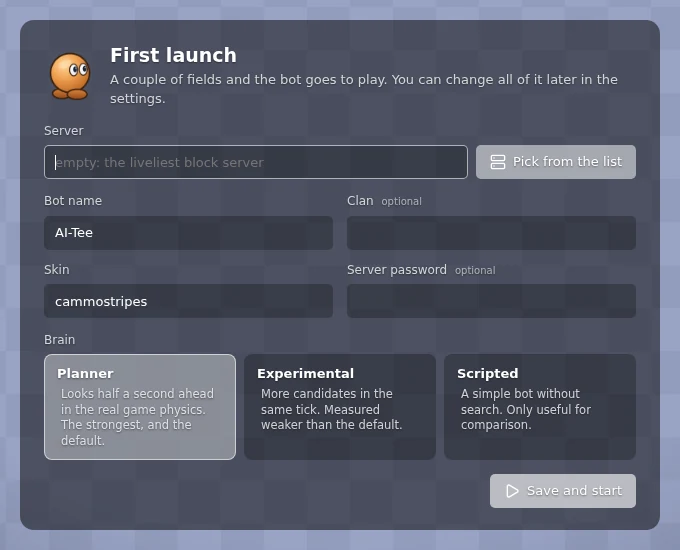
With the server field empty, joins the busiest block server without a password
Moves on when the server empties
With nobody in reach, walks to where others are playing, by a route with no freeze
The window restarts the bot if it stops and reports disconnects
Updates itself on start and every five minutes
Modes
WB on Copy Love Box: holds the wayblock alone, throws arrivals into the freeze and takes it from holders
A 1 on 1 duel: turns itself on once the bot accepts a duel; the score shows while it lasts, and every duel with the total is on the Clips tab
A second bot (the dummy) on the same server, on the first one's team and on its own CPU core
Teammates: never touched; it goes first for whoever goes for a friend and hammers the friend out of the freeze
Automatic chat: a line every N seconds, a reply to its nick, replies to words, e.g. "duel" → /accept
Controls
Team, war and ignore buttons for every player
Pause from any program: Ctrl+Shift+F9
F3 / F4 in the window: the bot votes yes / no in a running server vote
Starts with Windows, straight to the tray
Clips of risky moments, with what the plan expected
Commands: !mode, !wb, !duel, !target, !goto and more
Bot commands
Typed into the window's command line or the console; they never reach the game chat. Click one to copy it.
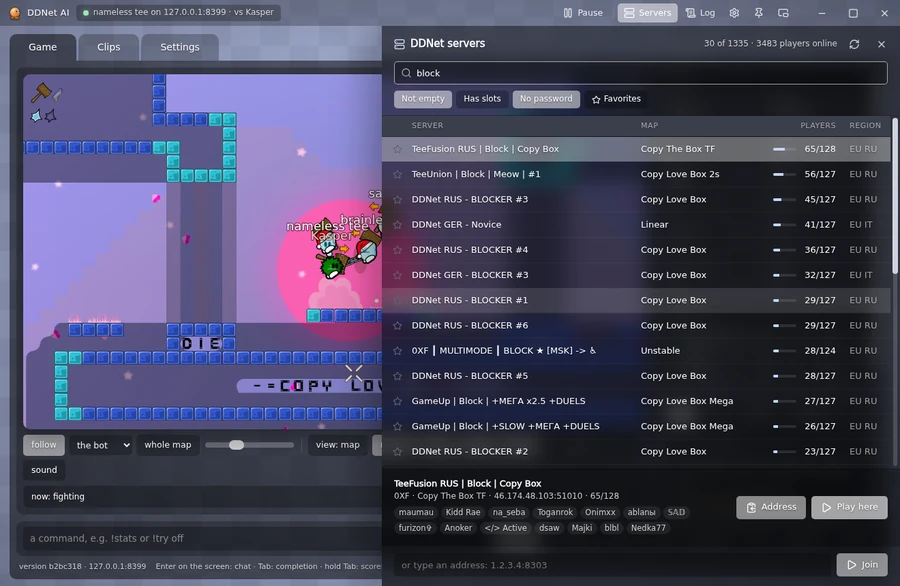
The game and the server list in one window
Watch it play without joining the server yourself.
Map, skins, hook and hammer as in the client
DDNet servers with search by map and player, “Play here”
Scoreboard, freeze feed, ping
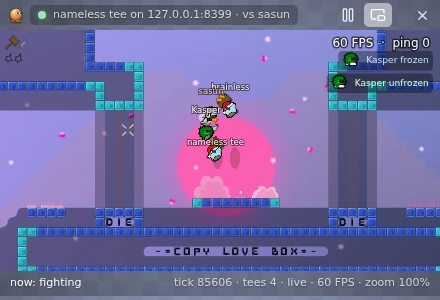
A mini window on top of everything
One decision in numbers
between decisions: 2 server ticks
40ms
plans in each decision
~45
ahead in each plan: 0.54 s
27ticks
at most, for the whole search
18ms
The plan count is the median from the bot's decision logs on a live server. The rest comes from the bot's code.
What's new
The bot updates itself while it plays. Recent versions:
The executable is not code-signed yet, so Windows SmartScreen may warn on first launch. Choose “More info”, then “Run anyway”. The source code is available on GitHub.
Linux and macOS: install Node.js 24 and run ./run.sh in the unpacked folder; the bot's page opens in the browser. The desktop window is Windows-only for now.
Questions
Is it a neural network?
No. It's a search: each plan is simulated in DDNet physics, and the best one is picked by a score with hand-set weights.
Does it press keys on my computer?
No. The bot is a separate DDNet client that joins the server on its own. You can play DDNet on the same PC at the same time.
Does it need a graphics card?
No. The simulation runs on the CPU, and any graphics card is enough for the window.
What language is the app in?
Russian and English. It follows the system language by default; you can change it in the window's settings.
A server with a password?
Enter it on first launch or in the settings. It stays on your computer and is cleared when you move to another server.
It played badly. How do I report it?
Tray icon, “Collect a bug report”. A zip with the clips appears on your desktop. Attach it to a report on GitHub.